I previously used Fields many years ago and want to revisit the workflow of the current version with the trial before subscribing. Old version was uninstalled a long time ago.
During the install process the wizard is looking for the Pix4dfields 1.3.0 msi (not on computer) and then error box 'The older version of Pix4dfields cannot be removed. Contact your technical support group.
I have been through all the suggested processes to uninstall / remove, but no more Pix4d files can be found.
Any suggestions to allow the installation of the current version.
Hi Jose, I have gone through all those steps including checking the registry (nothing there) and still unable to complete the installation. Would there be hidden files somewhere its detecting?
1. In the Windows Search, type Add or remove programs.
2. Scroll to find PIX4Dfields and click the application.
3. Click Uninstall.
4. On the path where PIX4Dfields was installed (default is C:\Program Files\PIX4Dfields), ensure this folder no longer exists. If it exists, DELETE this PIX4Dfields folder.
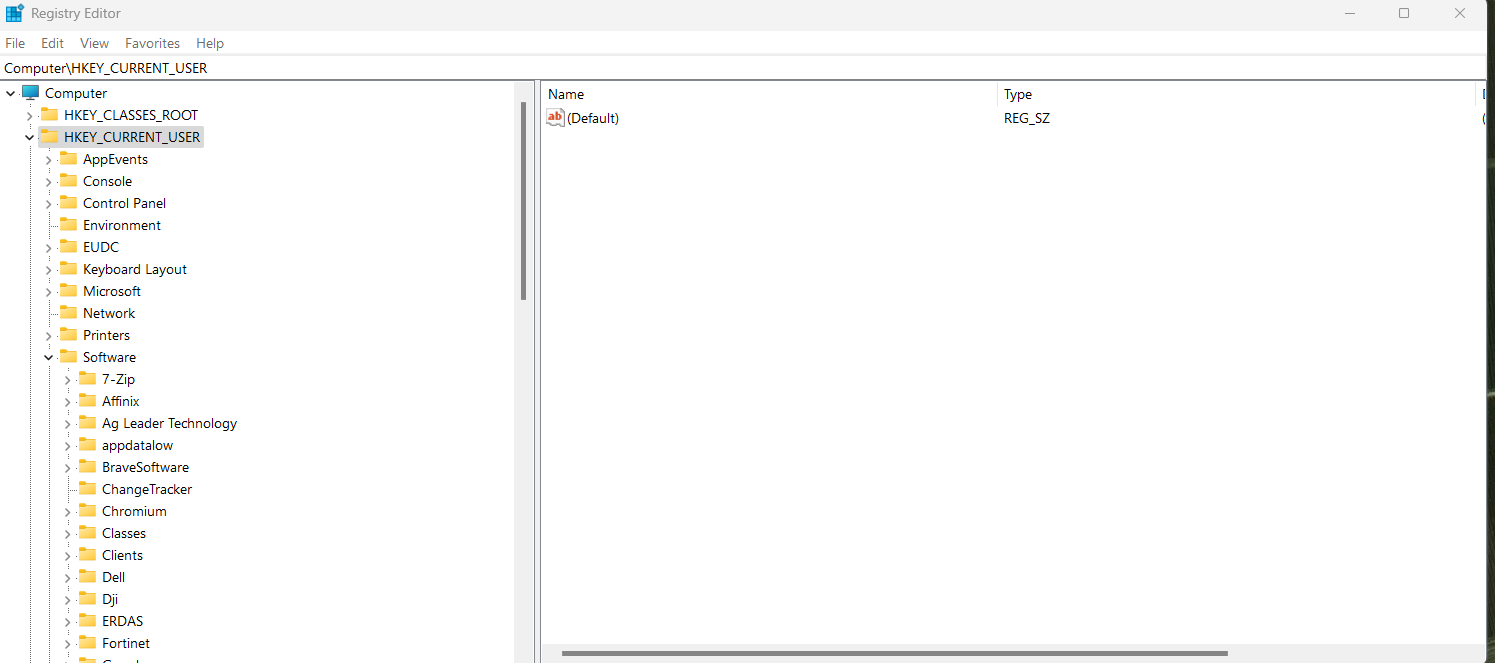
5. In the Windows Search, type RegEdit and search for the folder stored in the path: HKEY_CURRENT_USER\Software\pix4d\pix4dfields and ensure this folder no longer exists. If it exists, DELETE this PIX4Dfields folder.
Delete folder_ "C:\Users\\AppData\Local\pix4d\Pix4Dfields". Deleting it can help with some crashes, but this will cause projects not to be imported anymore to PIX4Dfields.
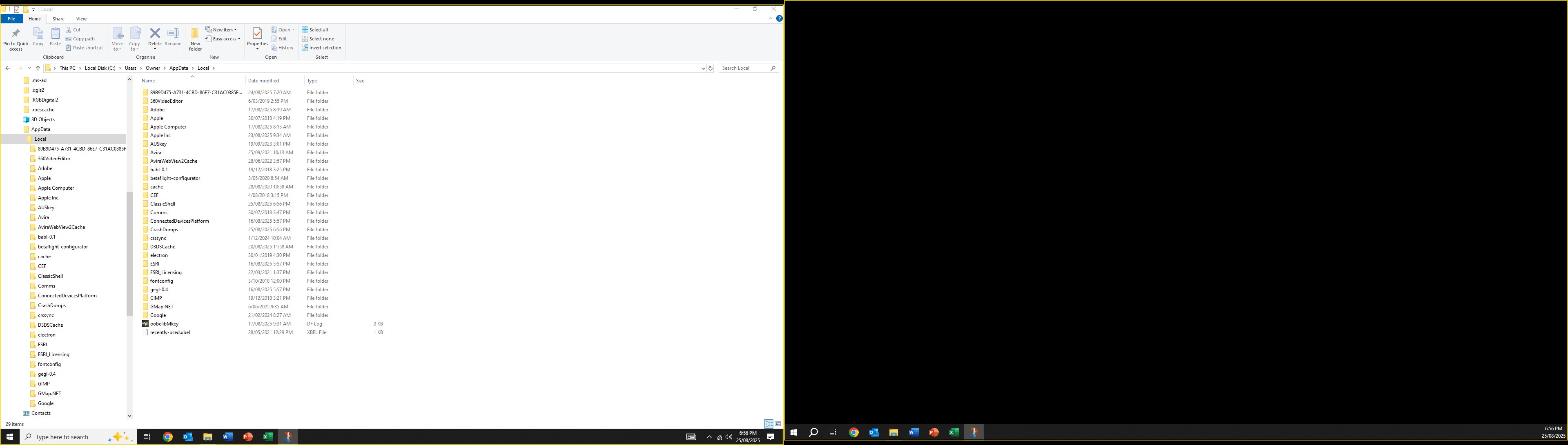
Pix4d fields was uninstalled on this computer probably 5 years. I have attached a pdf with screenshots of the steps and some file system searches completed.
Move the installer to the C drive and start it from there.
Run as Administrator: Right-click the installer file and select Run as administrator. This can sometimes bypass permission-related installation issues.
Restart the Windows Installer service: Press Windows key + R, type services.msc, find Windows Installer, right-click it and choose Restart.
I’ve checked and tried all the instructions, and none of them work. It appears the program wasn’t uninstalled correctly years ago. I’ll look at loading onto my laptop. As we can’t export in the trial version I can’t fully check the change in workflow, so its not a priority to install.
These cookies are necessary for the website to function and cannot be switched off in our systems.
They are usually only set in response to actions made by you which amount to a request for services, such as setting your privacy preferences,
logging in, or filling in forms. These cookies do not store any personally identifiable information.
These cookies allow us to count visits and traffic sources so we can measure and improve the performance of our site.
They help us to know which pages are the most and least popular and see how visitors move around the site.
All information these cookies collect is aggregated and therefore anonymous.
If you do not allow these cookies we will not know when you have visited our site, and will not be able to monitor its performance.
These cookies may be set through our site by our advertising partner (Google).
They may be used by Google to build a profile of your interests and show you relevant adverts on other sites.
They do not directly store personal information but are based on uniquely identifying your browser and internet device.
If you do not allow these cookies, you will experience less targeted advertising.