I have very intense curving on some areas of the project and on a roadway that I have overlap of over 80% and GCPs. Sometimes it curves on one side of the project and sometimes on the other.
I have tried almost about every combination of Calibration Processing that I can and almost everything makes it worse. The best setting is Large Scale, Scalable Standard, 1/2 Image Scale, Auto Key Points, Internals Low, Externals Standard, Simultaneous Optimization Yes.
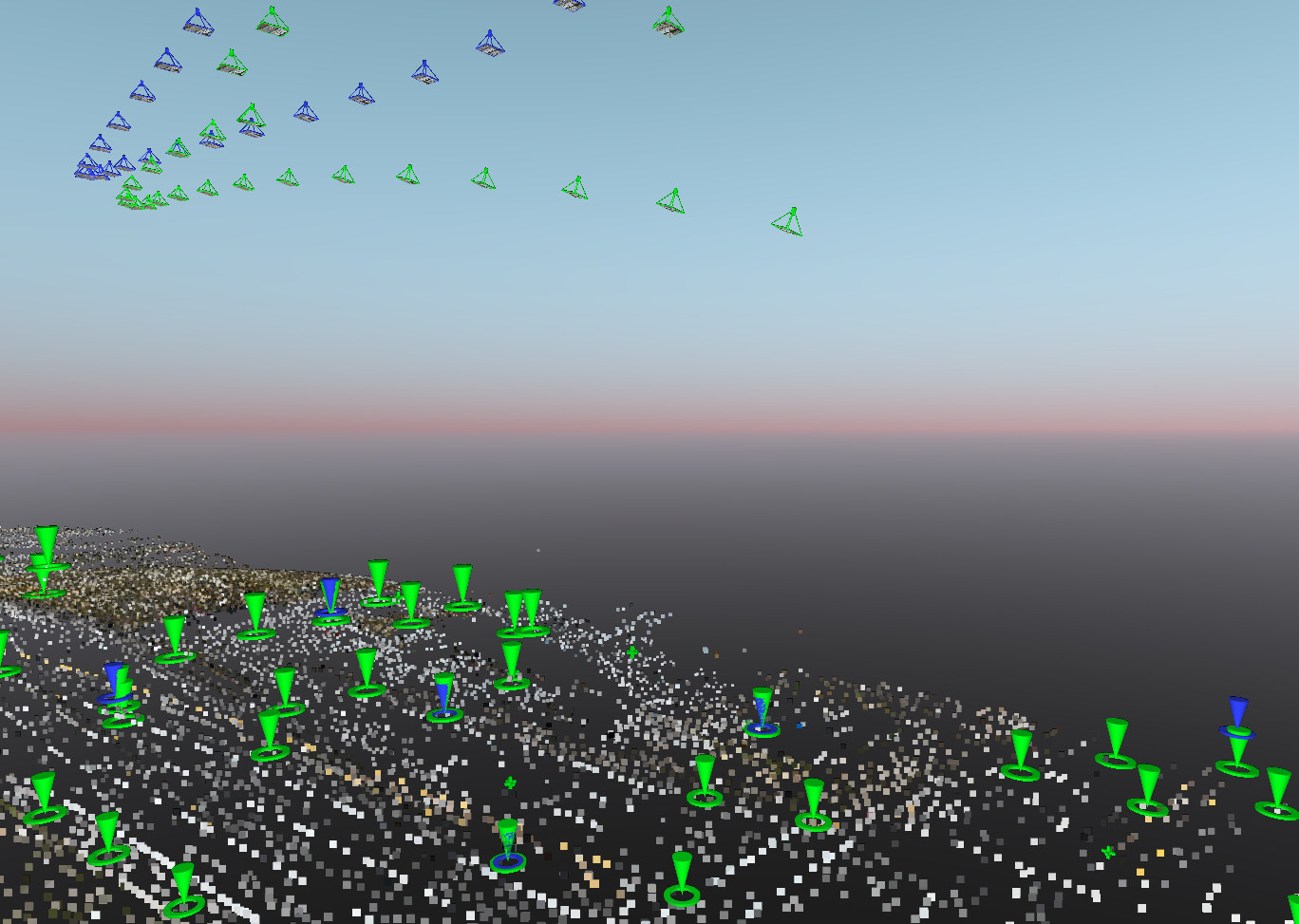
Cameras at the end of the project are being curved or “pulled” down and oriented as if they were oblique when they are not. Also in this area I have RTK Control Points that I have used as GCPs and they are good. Drone Matrice M3M, Main RBG Camera…
These are the cameras at the end of the project that are curving downwards and are very far off their original positions.
Hi @dbidot1
Could you open a support ticket so we can help you with this?
Pix4D Technical support services → Get support
Thank you
Regards
It would be helpful if you could post your quality report.
Is the project in grid or ground? Or some kind of localization?
Do you see the “warping” if you process without GCPs?
Also, Matic automatically switches over to 1/2 image size for step 1/calibration on large image sets. That fact annoys the hell out of me! Keep it at 1x image size no matter what, for calibration. If you have too much data to calibrate with full image sizes, you need a PC upgrade or you need to plan large flights so you can process them in smaller chunks.